
Using the ArtInChip D125 Display Controller in a Speaker with Display
Using the ArtInChip D125 display controller, this solution combines a speaker and a display to add a visual interface to an audio product. The screen can be designed around playback information, device status, and operation feedback, helping users understand the device's state while listening.
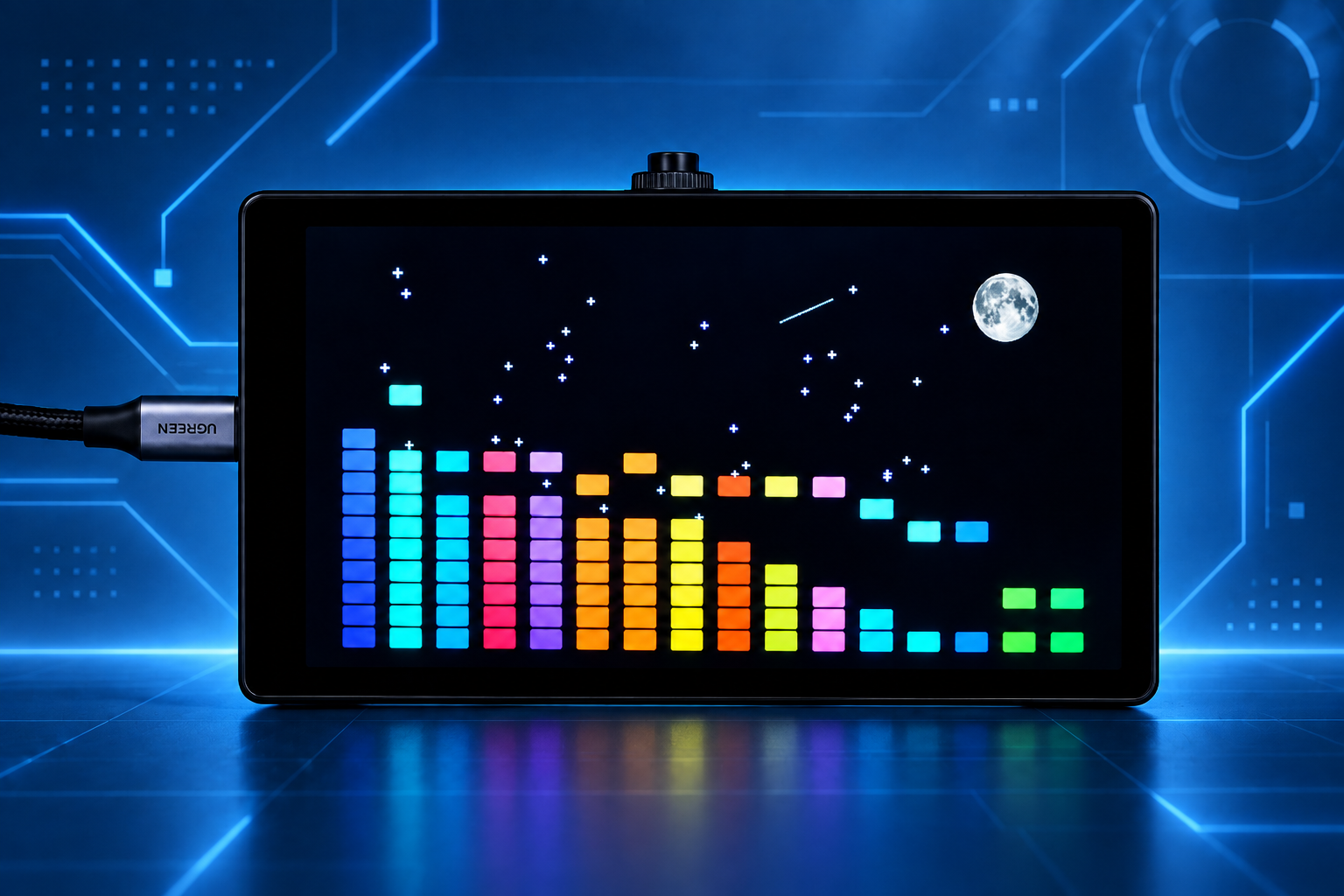
The demonstration image uses a landscape layout with colorful bars and a starry background to illustrate an audio visualization interface. A knob sits on top of the enclosure, with its operation to be defined according to product requirements.
1. Solution overview
| Item | Description |
|---|---|
| Display controller | ArtInChip D125 |
| Form factor | Speaker with display |
| Evaluation support | Evaluation kits available |
| Development support | Custom development supported |
| Interface customization | Custom themes and skins supported |
| Design focus | Combining audio playback and a display |
| Interface planning | Playback information, status indicators, and settings can be designed for the product's requirements |
Display size and resolution, speaker configuration, audio inputs, and power supply can be defined according to project requirements.
PCBA overview
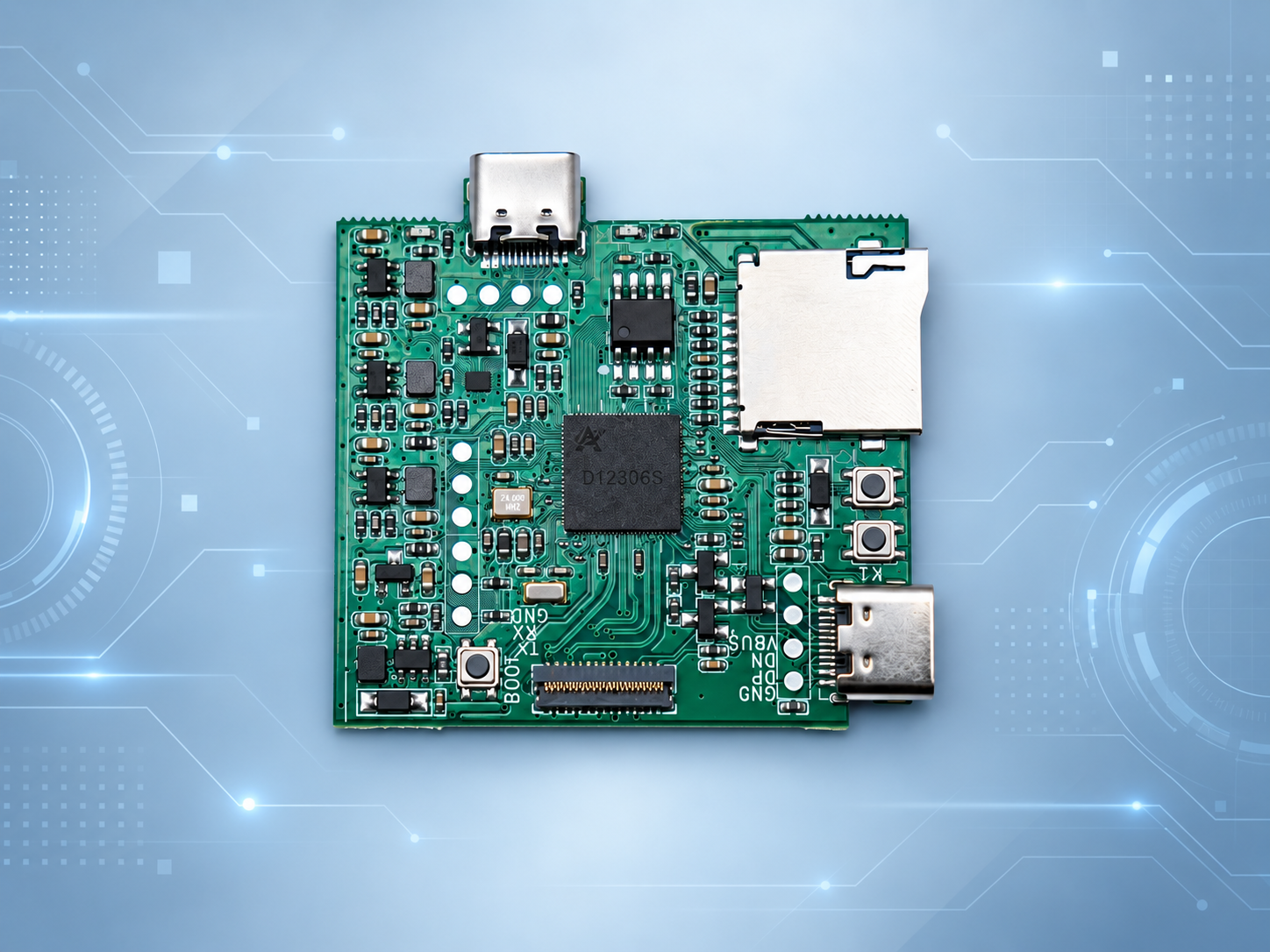
The board image illustrates component placement and connector locations to help plan display connections, button positioning, and enclosure space.
2. Demo video
Coming soon
3. Product design directions
Combining sound and visuals
The screen can present information related to audio playback and indicate device status. Its content and layout can be tailored to the product's intended use so the display complements the listening experience.
Interface and enclosure integration
Plan screen placement, orientation, controls, and enclosure styling together to make information easy to view. Interaction methods and interface features are defined for each project configuration.
4. Evaluation kits and custom development
Evaluation kits available
Evaluation kits are available to assess display quality and interaction with the D125 in a speaker with display. Use your target interface requirements for early evaluation, then define the display, controls, and enclosure integration. Contact us to confirm kit configurations and availability.
Custom development supported
Custom development supports product-specific interface content, operation feedback, and application workflows. Developers can organize playback information, device status, and settings into their own product interface according to the speaker's feature design.
Custom themes and skins supported
Themes and skins can be customized with brand-specific colors, backgrounds, icons, and page layouts. The colorful bars and starry background in the demonstration image provide a visual design reference for creating a distinctive speaker with display.
5. Contact
For details about the ArtInChip D125 speaker with display solution, contact doc@ultrasemi.com.
Please include target display specifications, audio features, interaction methods, enclosure dimensions, and power requirements to help define the solution configuration.